EPS - The Complete Set Professional

Product information "EPS - The Complete Set Professional"
Position designs precisely by projection, in embroidery and at the heat press
The EPS shows by projection where textile and motif have to go. The design and your own guide lines appear on the working surface, in the hoop or on the press. You align textile and motif to them instead of measuring and marking.
The aids available are grids, virtual guide lines, parallel and double lines, virtual rulers and distance frames, in any number. You create placement areas yourself: colour-filled areas that you size and place to match the design. Lines, distance frames and placement areas are saved with the template.
WYSIWYG, what you see is what you get: the projected position is the position that gets embroidered or pressed. Every setup can be saved as a template and recalled within seconds for a repeat order.
Scope of delivery
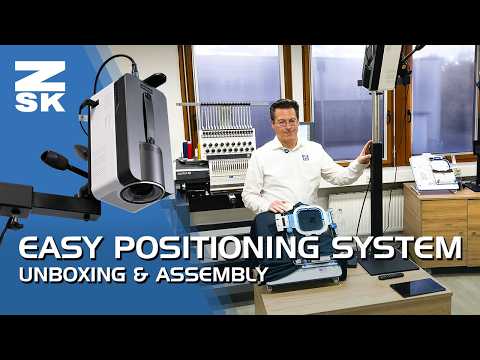
The set contains five items:
- 1 x EPS Table Mount
- 1 x EPS Control Unit (item no. 571302)
- 1 x EPS Projector (item no. 571303)
- 1 x Android tablet, model subject to availability
- 1 x HDMI cable, 5 m (item no. 571490)
The EPS software is permanently installed on the EPS control unit. No additional installation is needed.
Accessories, available separately
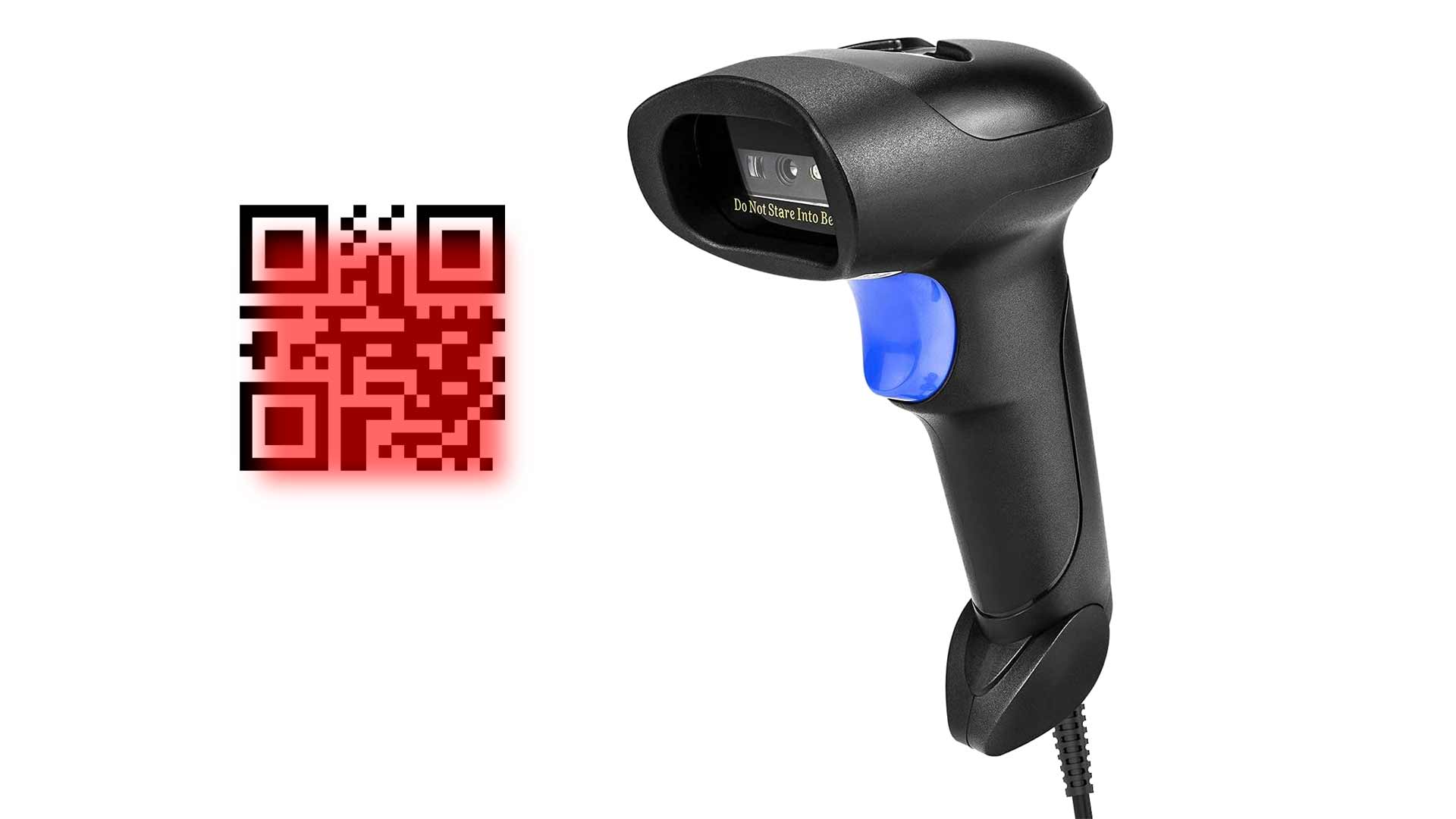
- Barcode scanner (item no. H0000042): required for the barcode workflow at the embroidery machine
- Numeric keypad with USB-A (item no. 571492): recalls saved positions via a numeric code
- Tablet holder (item no. 571491): height-adjustable rest for the tablet
One device, two operating modes
EPS HoopStation and EPS BOW are the same platform. At first start you choose the mode: HoopStation for embroidery or BOW for the heat press. The system works accurately, and to your commercial advantage, when it is set up and positioned properly. If you run both areas in parallel, two EPS systems serve you better.
Operating as a HoopStation: positioning in embroidery
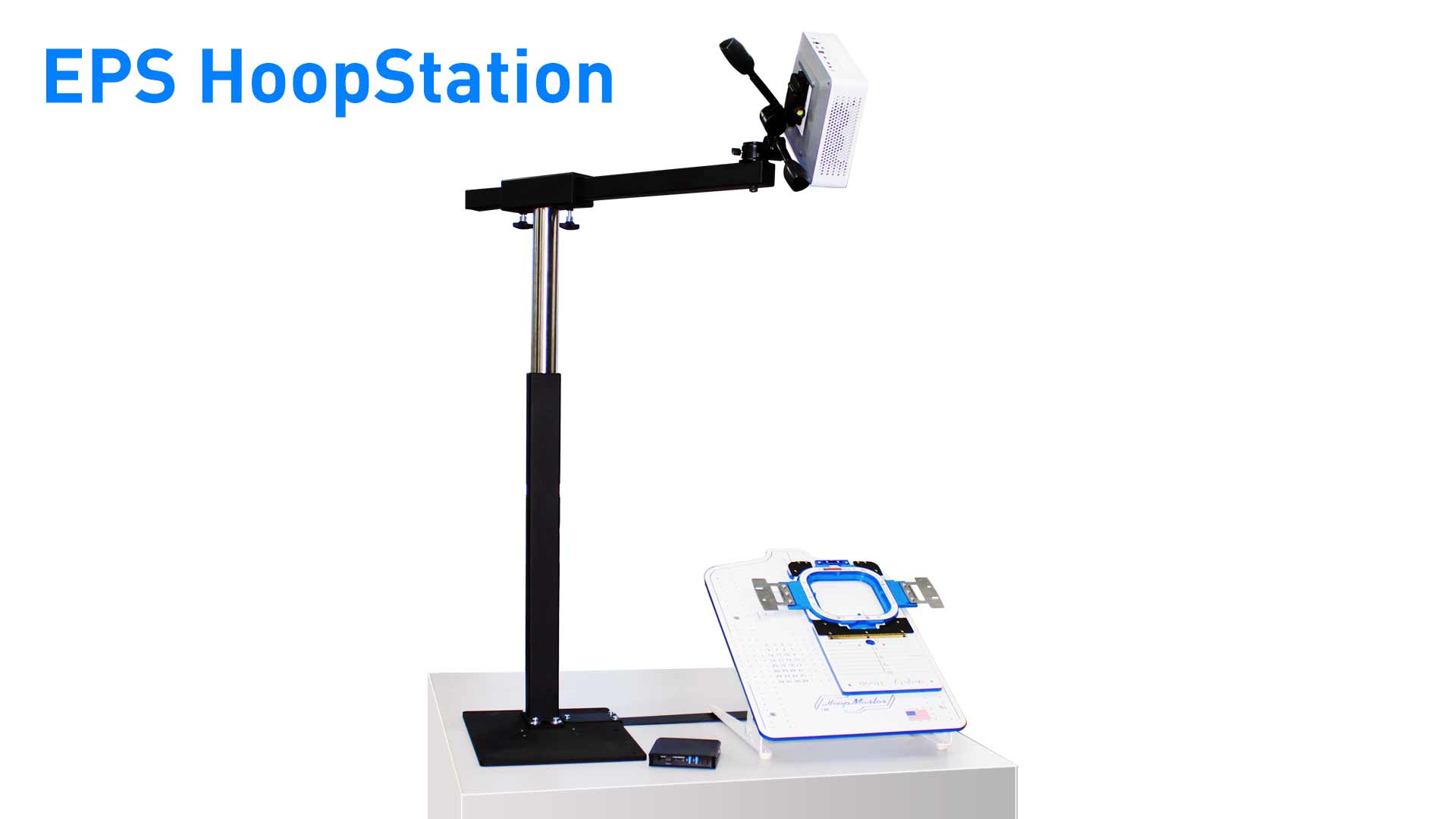
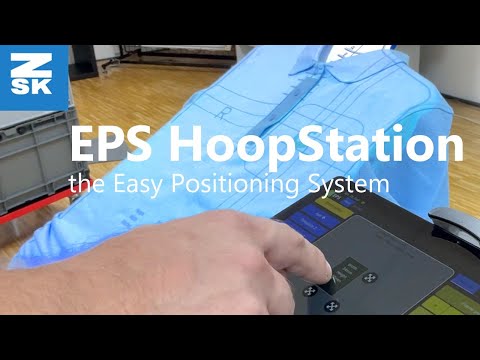
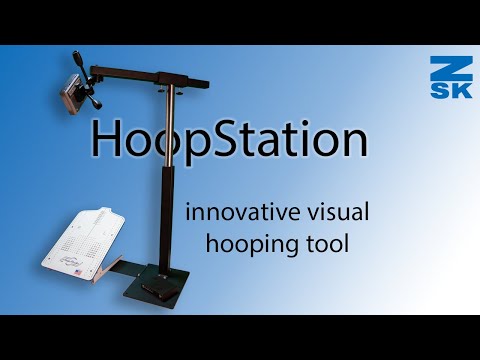
The HoopStation is a positioning system for embroidery in its own right. It works together with the HoopMaster. Three steps become simpler: placing the textile, placing the design, starting at the machine.
Grids and the guide lines you have created define how the textile lies on the HoopMaster. The design is projected as well for a visual check. Fine adjustment is done once per order in the software. You move the design within the hoop until it sits right. This position is saved in the .Z00 stitch file. Every further piece is simply placed to the projected marks and hooped quickly in the Mighty Hoop frame. No additional alignment at the machine is needed.
A bar connects the HoopMaster and the EPS table mount. This keeps the two in their set position and prevents accidental shifting.
The HoopStation functions at a glance:
- Load embroidery files in .DST and .Z00 format and display them on the textile
- Create your own guide lines, distance frames and placement areas and save them with the template
- Set a distance frame around the logo, for example to a pocket or seam
- Load templates via tablet, USB drive, network or barcode
- Show the size of the magnetic Mighty Hoop frames in the software
- Load the stitch file with its saved position at the ZSK embroidery machine by barcode (barcode scanner required)
The HoopStation works with the HoopMaster and Mighty Hoop frames. Both are available separately.
Operating as a BOW: positioning at the heat press
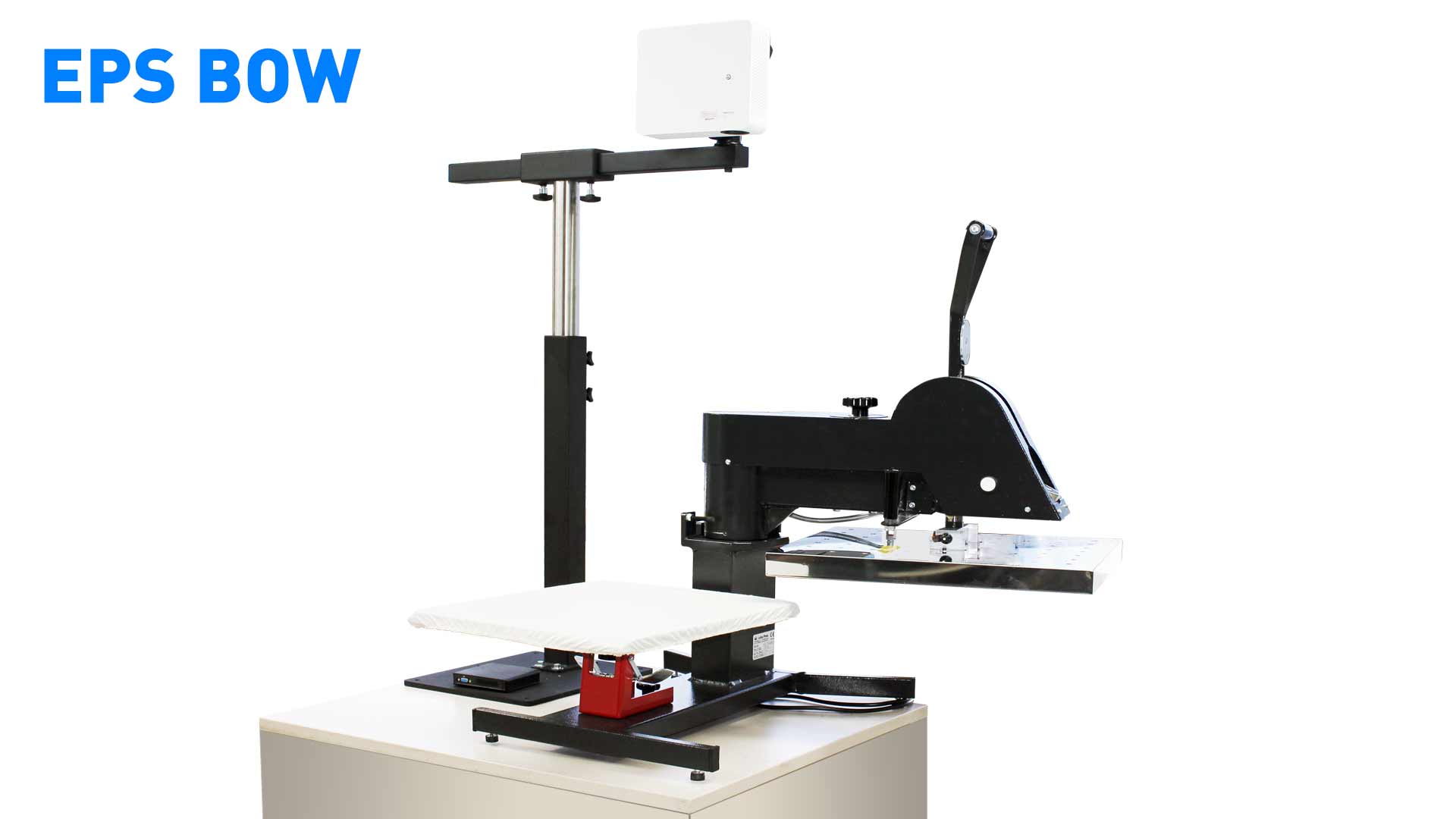
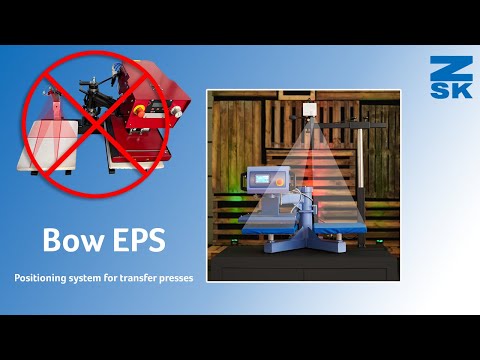
The BOW is designed for swing-away heat presses, that is presses whose upper platen swings out to the side. The table mount stands behind the press and the projector reaches over the platen. On a twin press it covers both platens, and you control them separately in the software. You place the textile to the projected guide lines and placement areas; the motif follows the saved position. A typical application is DTF transfers.
The BOW functions at a glance:
- Project motif, grids, virtual guide lines, parallel and double lines and placement areas onto the platen
- Store position, press time and temperature as order data
- Project press times and information texts directly onto the press
- Load the template for the next order instead of setting up again
What this changes in production
Positioning becomes a repeatable step, also for briefly trained staff. Measuring, marking and checking are no longer needed, which shortens the setup time per order. Misplacements are avoided because the position is visible before the start.
Andere Kunden kauften auch
Product number 2: Z-009-8134

Product number 2: Z-009-8133

Product number 2: H-000-0042