
Improve Your Design Loading Process – Save Valuable Time and Boost Your Profit
Tips for Efficient Design Loading
1. A Simple but Powerful Hack: Deactivate Unnecessary Loading Inquiries
Your machine might ask several questions when loading a design — but the truth is, you often don’t need most of them. You can fully customize the loading process and simply switch off the inquiries that aren’t relevant for your workflow. In the best case, you only press one single button to load a design.
2. Why Press Buttons at All? Use Network Loading Instead
There are several ways to load a design: from storage, USB stick, or via network. But let’s be honest — do you use a USB stick for printing in your office? Probably not. That’s why we recommend networking your machines. It’s faster, cleaner, and avoids unnecessary manual steps. And did you know?
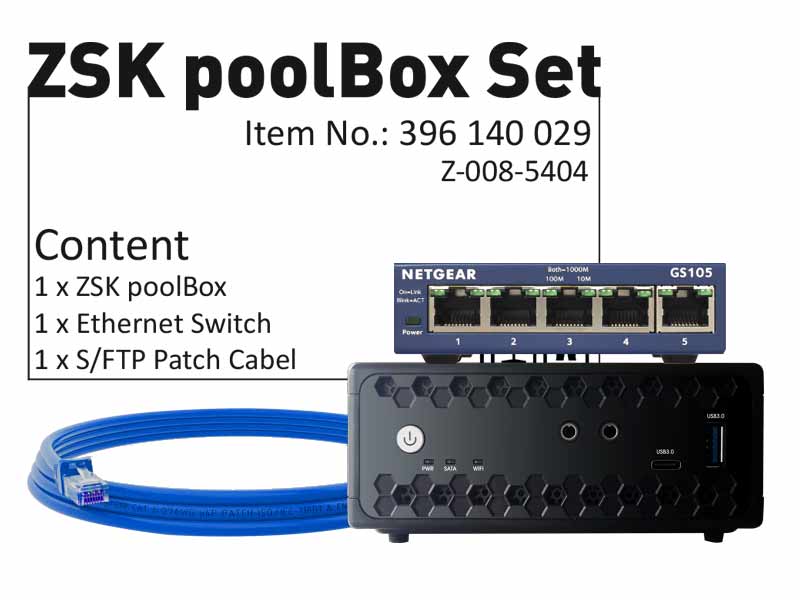
All ZSK machines come with network capability! Ask your IT colleague to connect your machines — or use the ZSK Poolbox for an easy plug-and-play solution.
Product number 2: Z-008-5404
Product number 2: H-000-0042
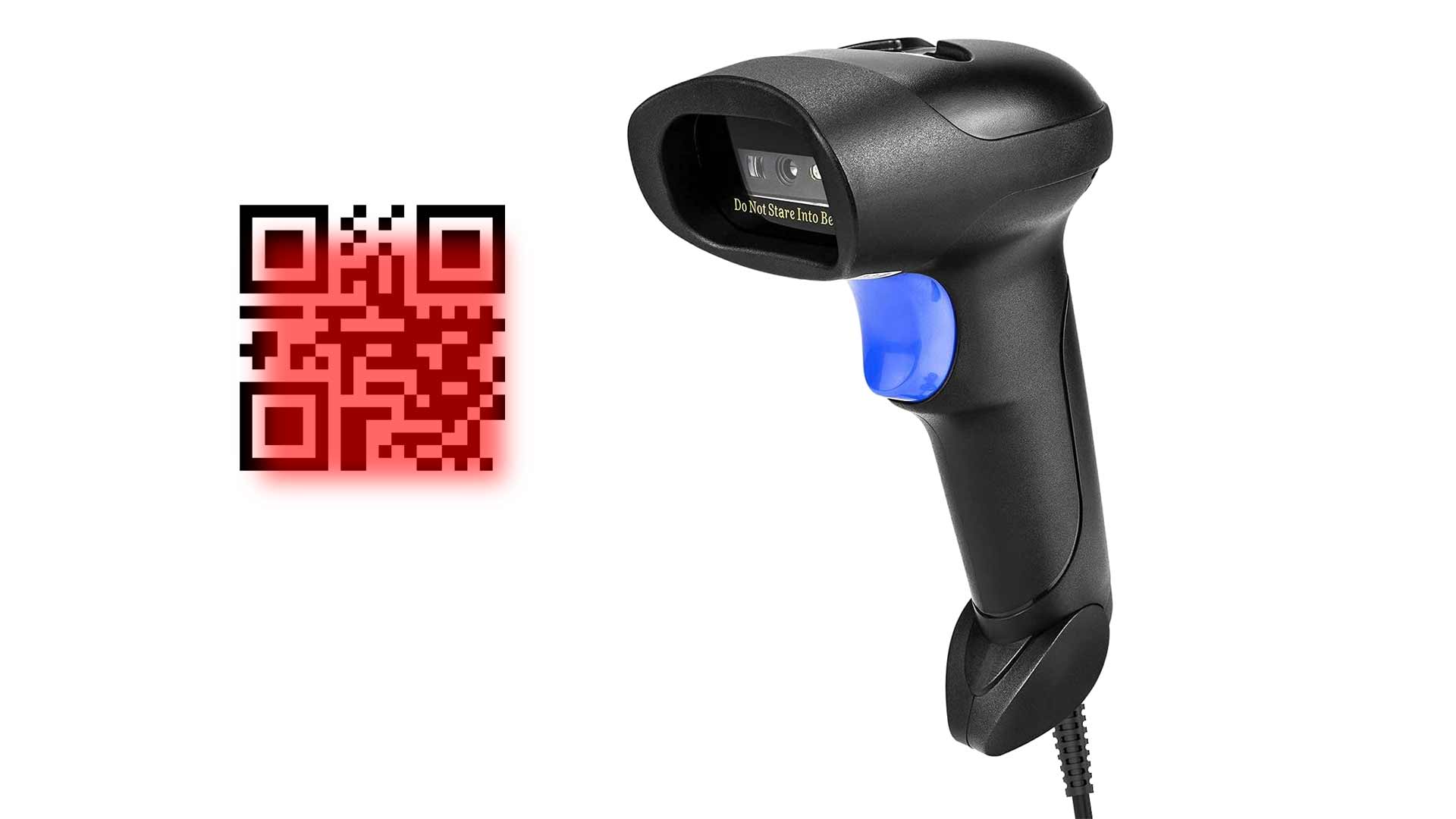
3. Stop Browsing Forever: Load the Right File Instantly With a Barcode
One of the biggest time killers we see in production is browsing through endless folders looking for the right file. Why not simply add a barcode to your order sheet and scan it directly?
By the way — you can create your order sheets easily with ZSK Terminal, including barcodes for instant design loading.
4. For High-Speed Environments: Create Barcode Labels With One Click
If you work in a fast-paced environment, you can take it to the next level:
Pick your design from a gallery → create a label with one click → start stitching by simply scanning the label.
There is no faster way.
Product number 2: Z-009-5233